 مركز Virginia للتعليم / نصائح حول استخدام مركز Virginia للتعليم / مديرو الدورات / كيفية إنشاء قائمة انتظار
مركز Virginia للتعليم / نصائح حول استخدام مركز Virginia للتعليم / مديرو الدورات / كيفية إنشاء قائمة انتظار
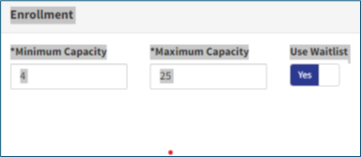
Use the steps below to add a waitlist to a course section. This helps manage extra interest when a class is full.
Tip
Using a waitlist helps ensure open seats are filled and gives more learners a chance to attend.





 ابحث عن القسم المحلي الخاص بي