 Virginia Learning Center / نصائح حول استخدام مركز Virginia للتعليم / مديرو المقررات الدراسية / كيفية حذف الأقسام والفعاليات
Virginia Learning Center / نصائح حول استخدام مركز Virginia للتعليم / مديرو المقررات الدراسية / كيفية حذف الأقسام والفعاليات
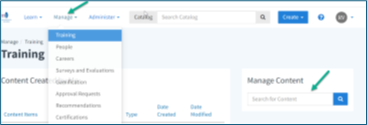
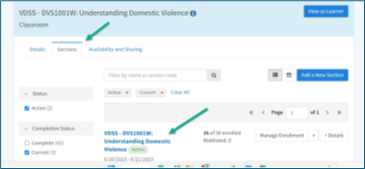
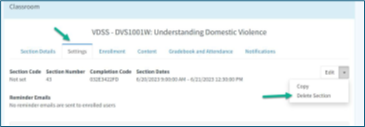
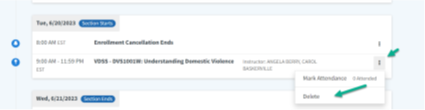
Use the steps below to remove a section or event from the system.
Tip
Before deleting, check that the section or event is no longer needed. This helps prevent loss of important training records.





 ابحث عن القسم المحلي الخاص بي